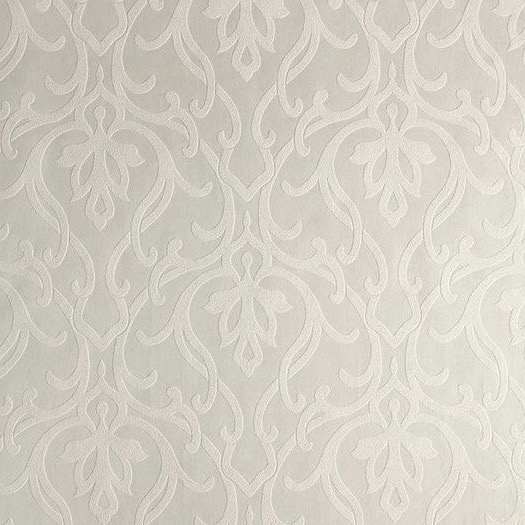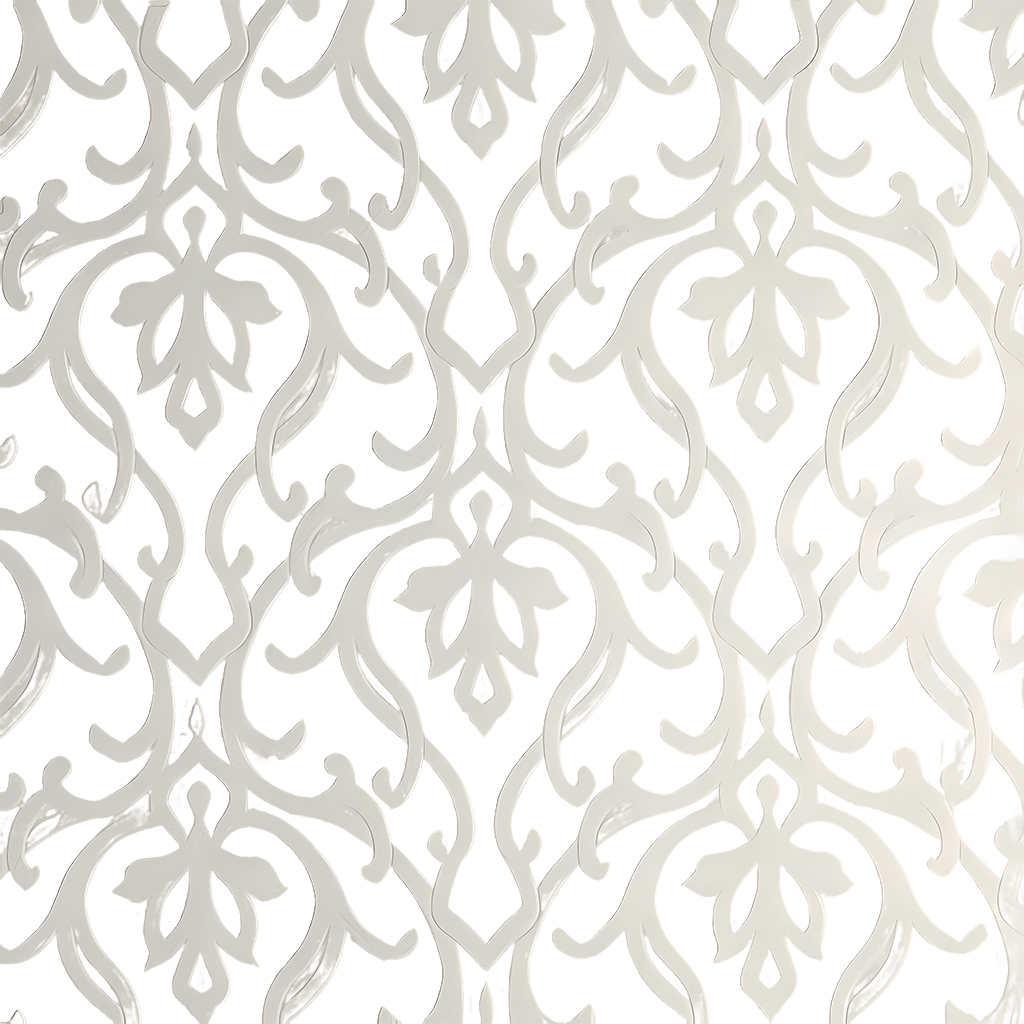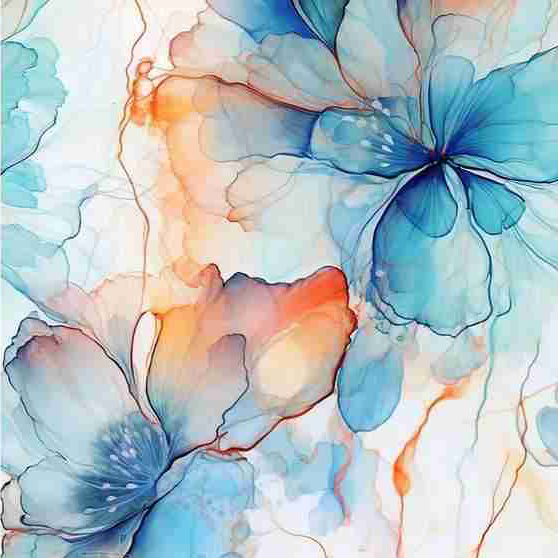
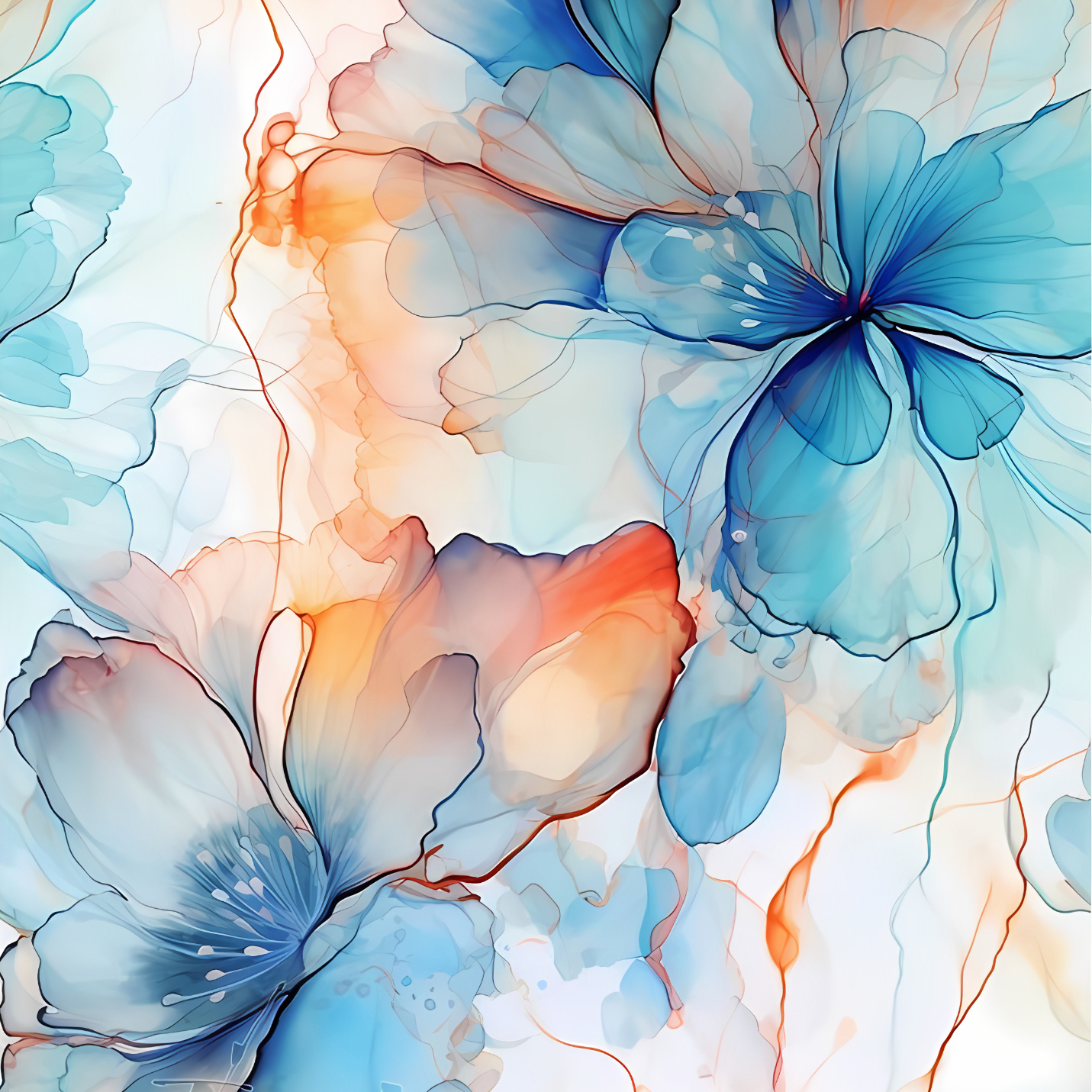
Before / After
Marble Texture Upscaling
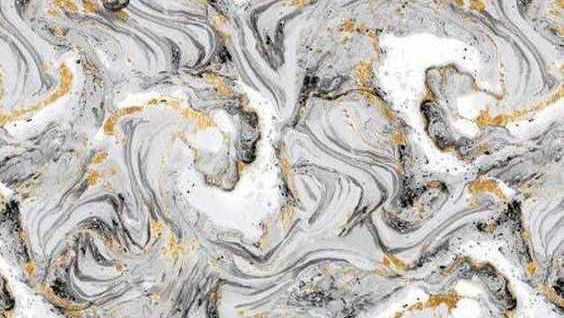
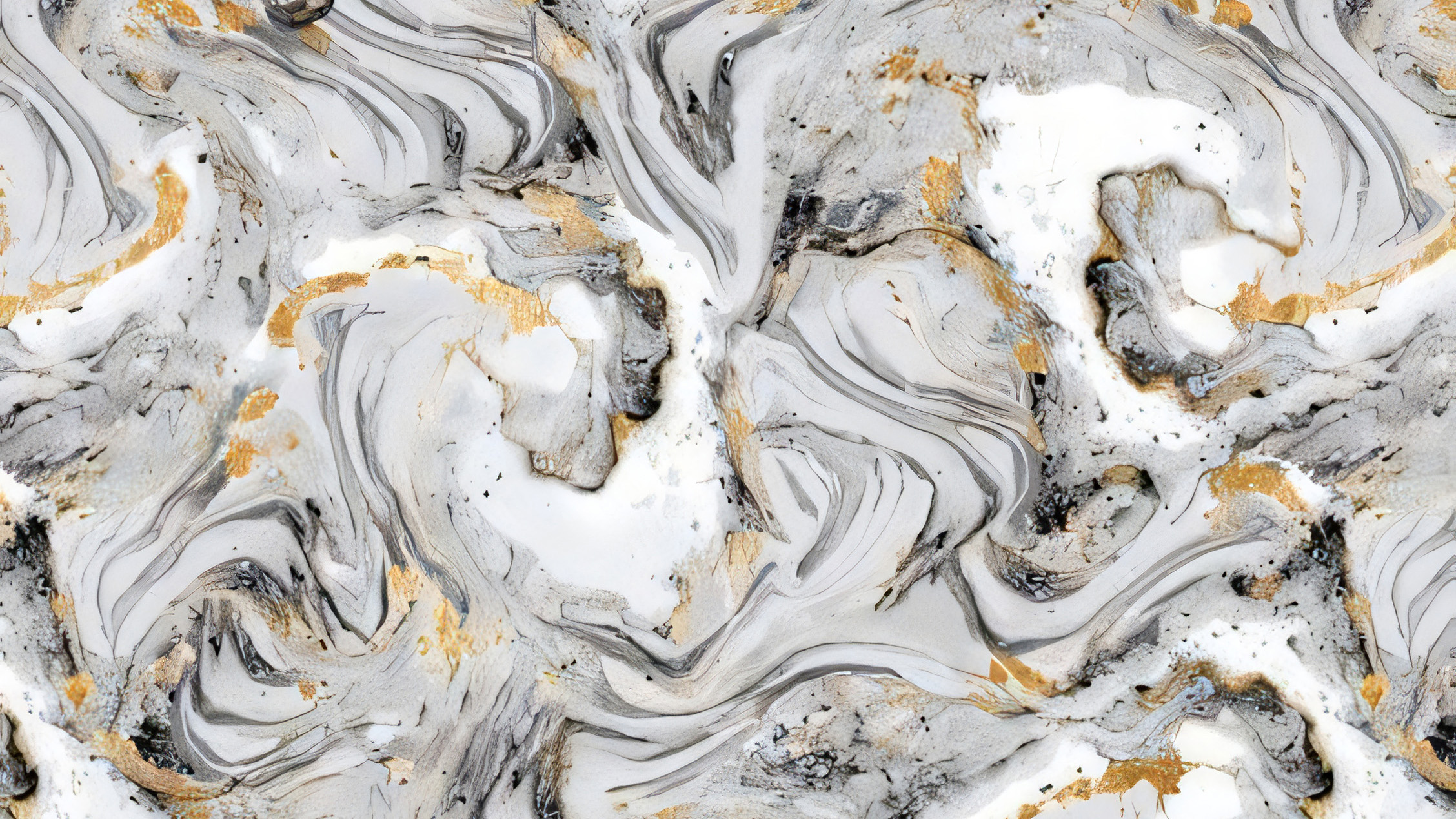
As shown on the right, the marble texture is more detailed, supplementing a lot of rich details
AI texture and image upscaling for macOS
Seamless upscale tools, Seamless Textures can also be Upscaled
AI makes your images clearer with one click. Supports seamless textures, batch processing, and up to 16x enlargement
Before / After
Drag the handle to compare the source and result. Seamless mode is built for repeating patterns, surface textures, and material assets that must still tile after enlargement.
A focused desktop workflow for designers, game artists, print teams, and makers who need higher-resolution assets without sending source files to a cloud service.
The only tool on the market that supports seamless texture upscaling, \ up to 16x enlargement
Supports batch processing, NCNN framework optimized, 4090 GPU can upscale 10 1024px images to 4x in 1 minute
Supports local processing on all platforms, keeping important materials on your own device.
Workflow
Import a regular image, folder, or tileable texture.
Set scale, output format, width, tile size, and AI model.
Compare before and after, then save to your output folder.
Real Scenes
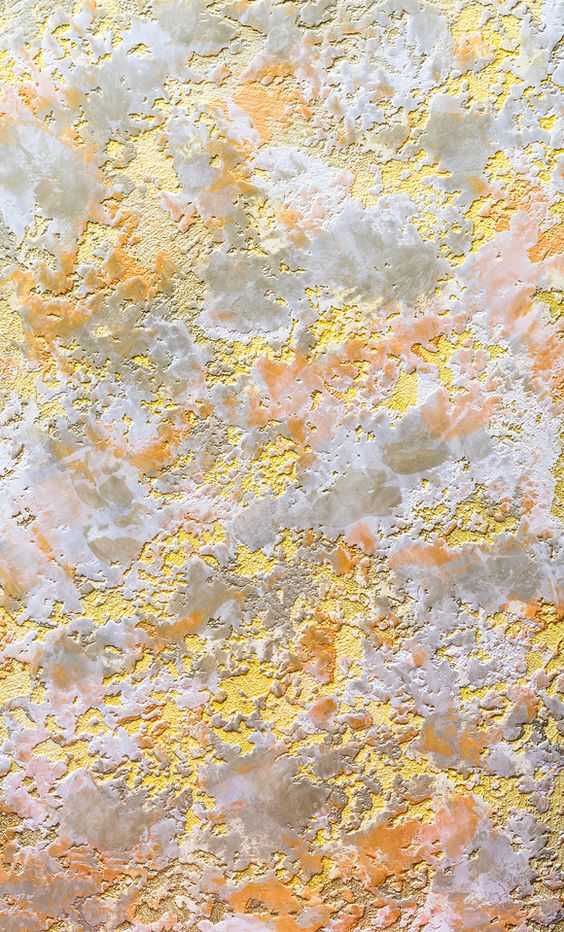
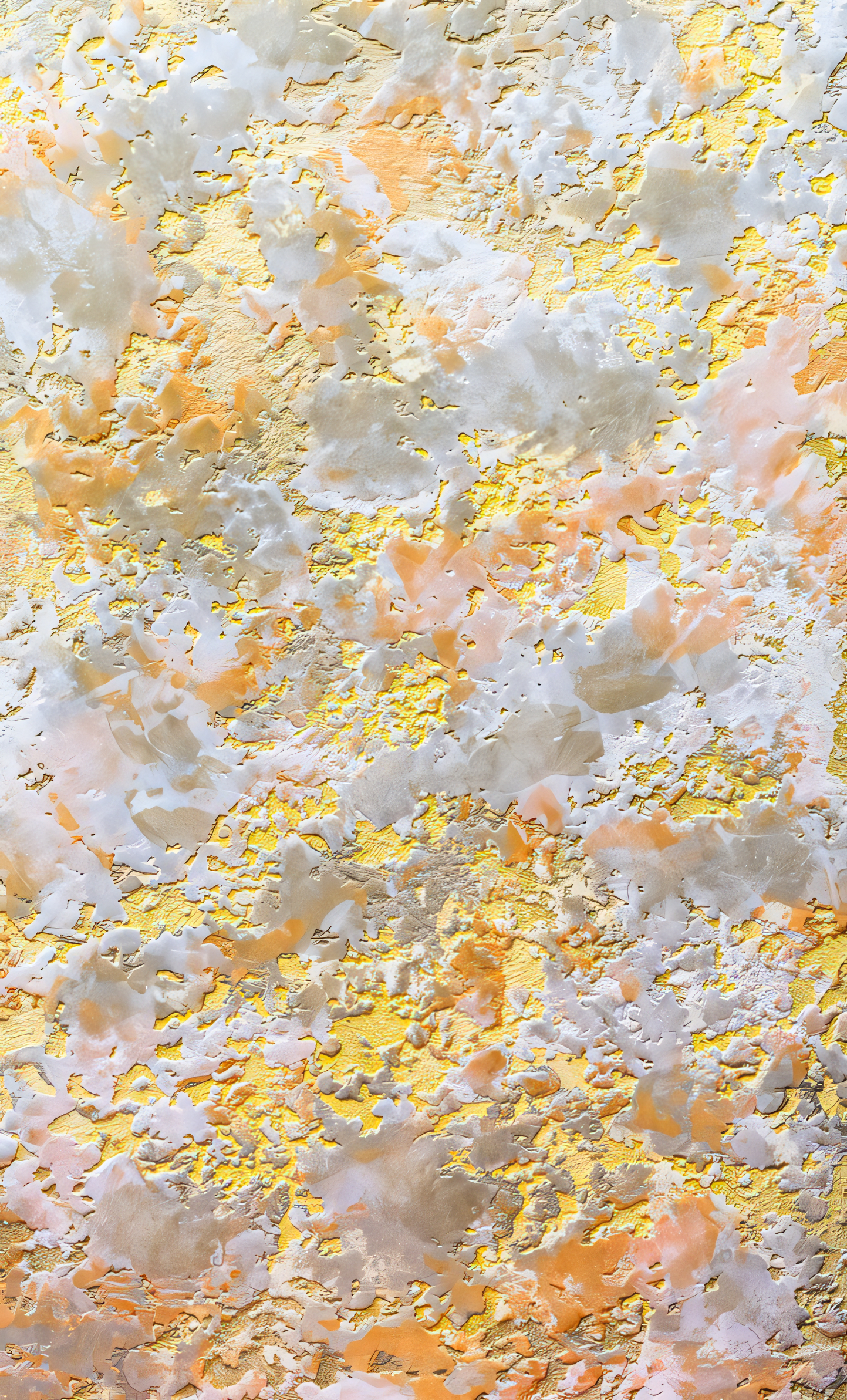
Before / After
As shown on the right, the marble texture is more detailed, supplementing a lot of rich details
Before / After
As shown on the right, accurately restores the clothing print texture, making the pattern more realistic and the colors more delicate
Before / After
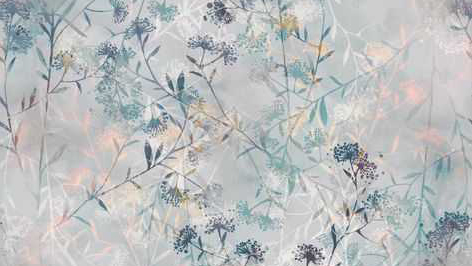
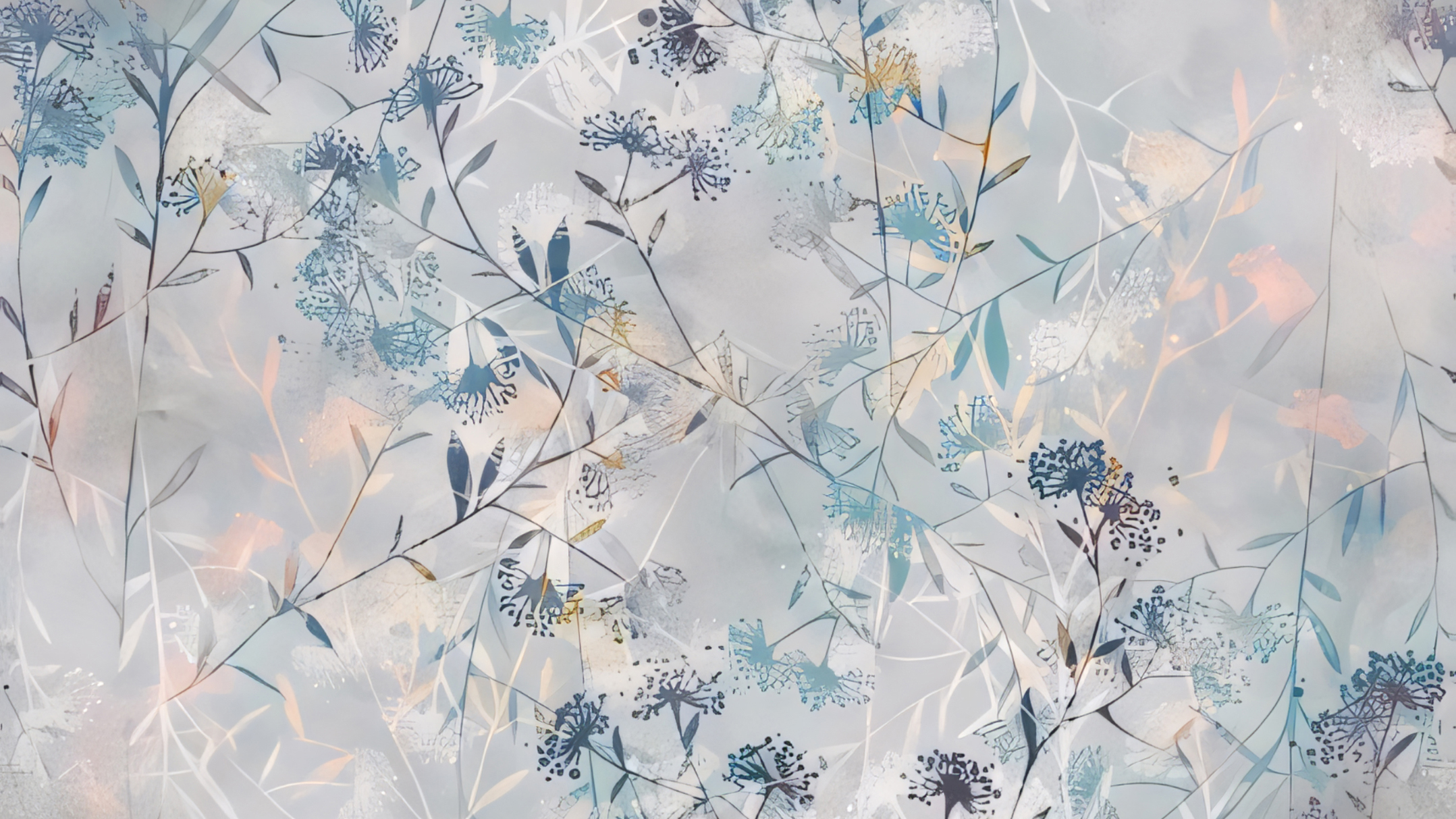
As shown in the picture on the right, it can accurately separate the background while making the texture of the traditional pattern clearer
Before / After
Useful for print, packaging, textile, and digital assets when low-resolution patterns need production-ready inspection.
Use Cases
Generic AI photo tools often optimize faces, portraits, or social images. Seamless Upscaler focuses on the boring but expensive production problem: enlarging tileable textures, patterns, and material references while keeping edges usable.
Prepare repeat patterns for fabric, wallpaper, packaging, and print checks.
Upscale texture references and material libraries before importing into a DCC workflow.
Keep client assets, draft artwork, and proprietary material references on your own Mac.
The Mac app is designed for local image processing. Your source images stay on your Mac during upscale jobs.
No. Standard image mode works for ordinary photos, artwork, packaging drafts, and design assets. Seamless mode is for tileable materials.
The main advantage is the tileable texture workflow: edge-aware seamless mode, batch folders, output controls, and local review.
Mac App Store
The download entry is now focused on macOS only. Once listed, users will install from the Mac App Store and upscale both regular images and seamless textures locally.
System
macOS 12+
Processing
Local AI
Assets
Images / Textures

Seamless Upscaler
Built for Apple desktop workflows: batch import, scale settings, export format, and result inspection in one local tool.